Customisable Frames
Set up your frames as your project and team need.
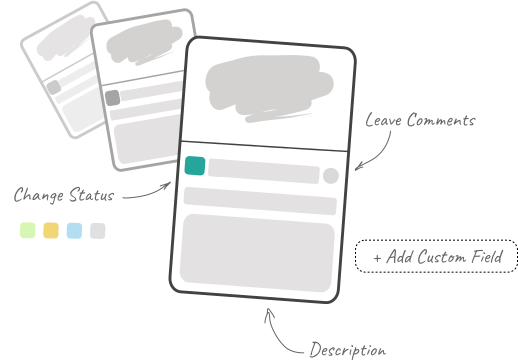
Add custom fields or predefined ones. Add, delete, re-arrange, merge, or duplicate your frames.
Avoid confusion and save time with automatic frame and version numbering.
Online storyboard software
Turn an idea into a storyboard in minutes, then share it, get approval and keep moving.
No credit card required




Start creating for free and upgrade when you need more.
Set up your frames as your project and team need.
Add custom fields or predefined ones. Add, delete, re-arrange, merge, or duplicate your frames.
Avoid confusion and save time with automatic frame and version numbering.
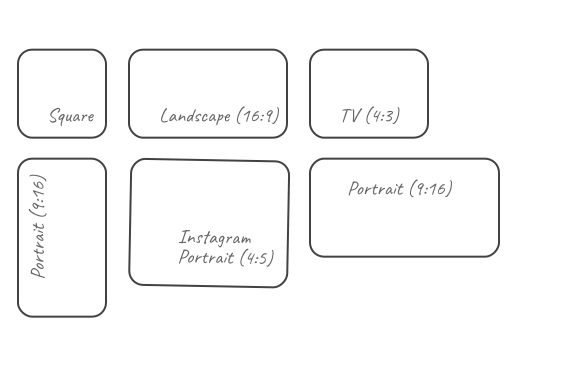
16:9, 9:16, or 1:1: which aspect ratios work best for your team? We have all popular formats.
Need more? Don’t worry, 4:3, 4:5, 1.91:1, 1.85:1 and 2.39:1 are included.
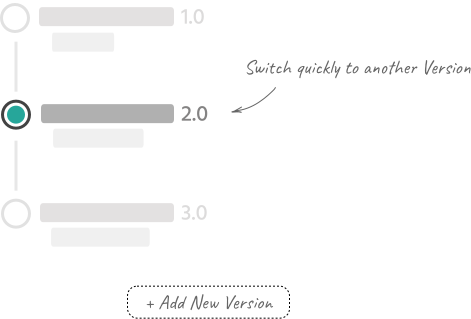
Create multiple versions of your storyboard. Save your progress or save with a backup version of your projects.
The app itself calculates the duration of each frame automatically, based on the added subtitles as well as the reading speed.
You have the ability to manually set the approximate duration of the frame to understand what will happen.
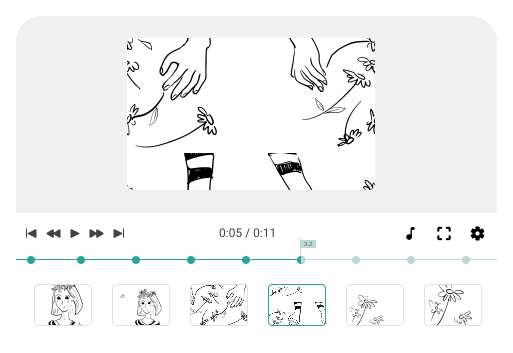
Add fields for subtitles or scene descriptions in the Animatic Tool settings.
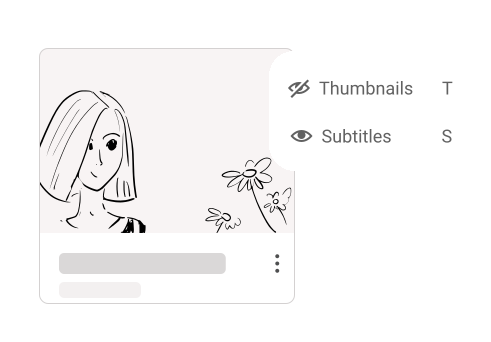
Share animated storyboards with colleagues in an easy-to-use format.
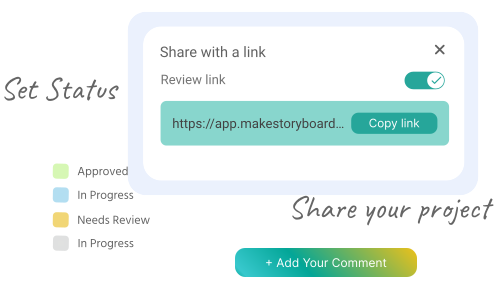
Collaboration is hard. We make it easier.
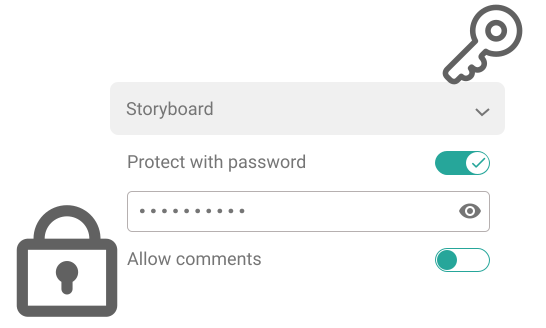
Secure sharing allows you to share storyboards securely with your team members or customers. Built-in passphrase protection.
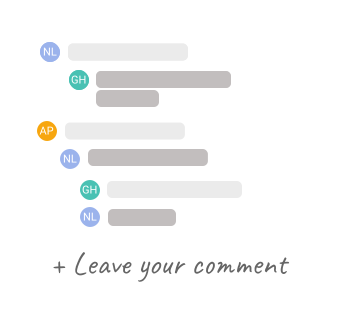
Communicate within the team using commenting and annotation tools.
A sketch board for drawing, with a huge number of brushes and pencils for your team’s needs.

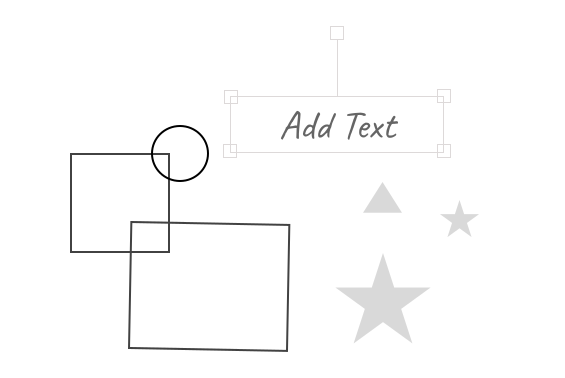
Text & Fonts library for any unique storyboarding.
Shapes and Stock assets simplify the storyboarding process.
The huge image stock for all your specific needs. No limits! Add as many images as you need.
You can always create your library and save it in the storyboard folder with the user image uploader tool.
Change background color or drag & drop pictures in a few clicks.
Start yours free. No credit card required.
Working in marketing or running an agency? We’ve got you covered.
Create a unique, customized style of Storyboards that matches the company’s brand book.
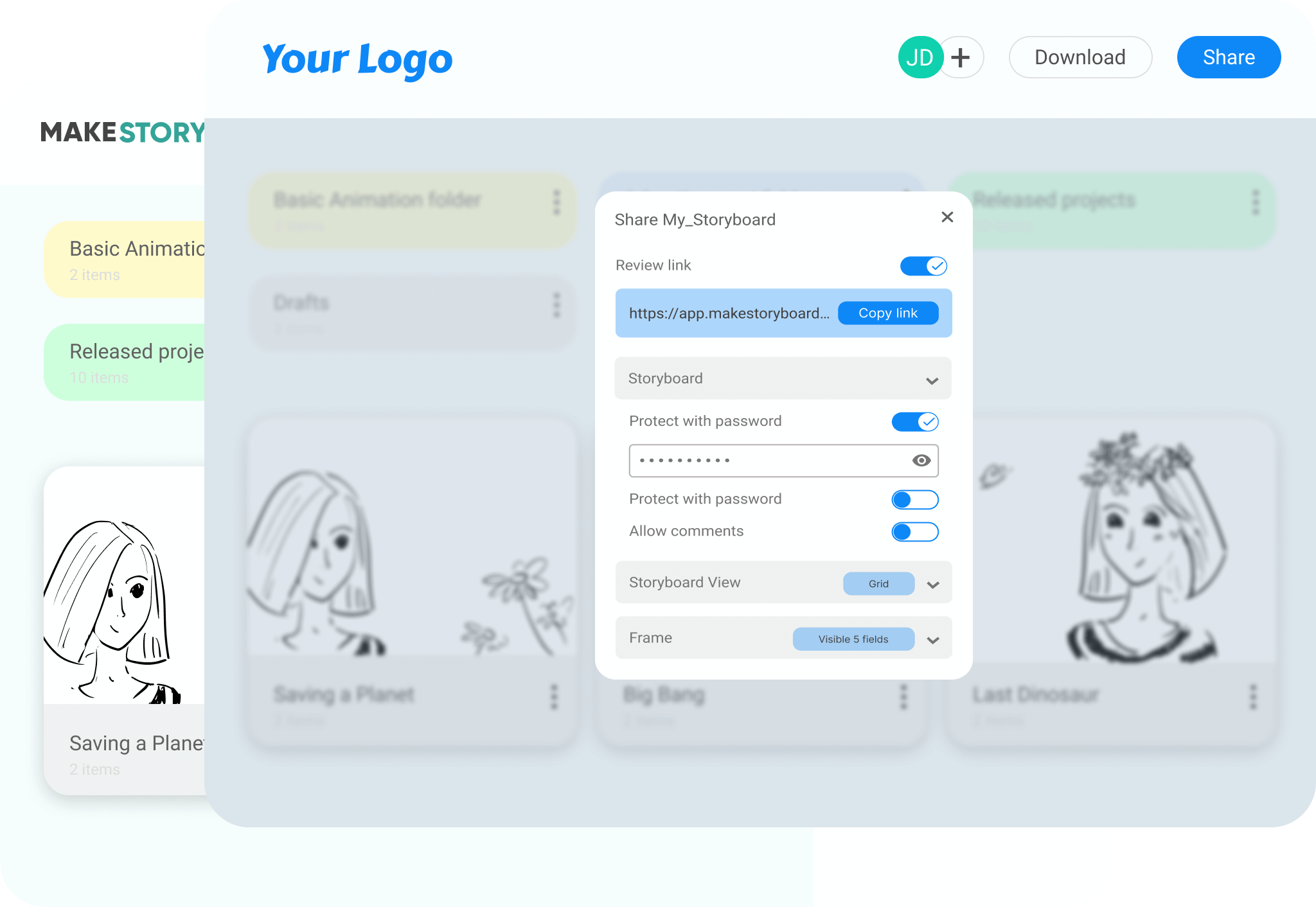
Everything is sorted into folders, each of which you can give separate access to creator teams.
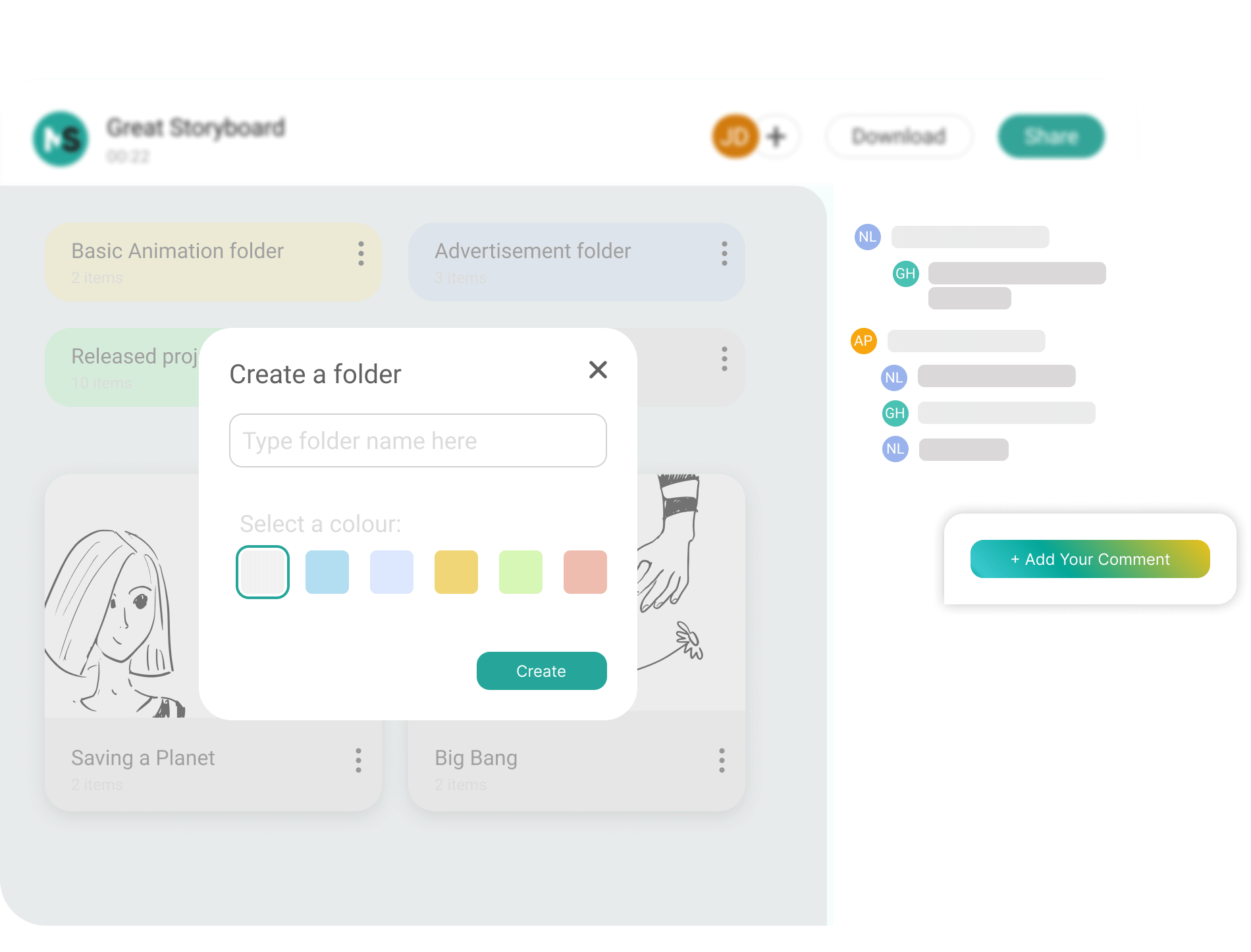
Share the project at any stage, with colleagues, co-creators, customers in a most suitable way.
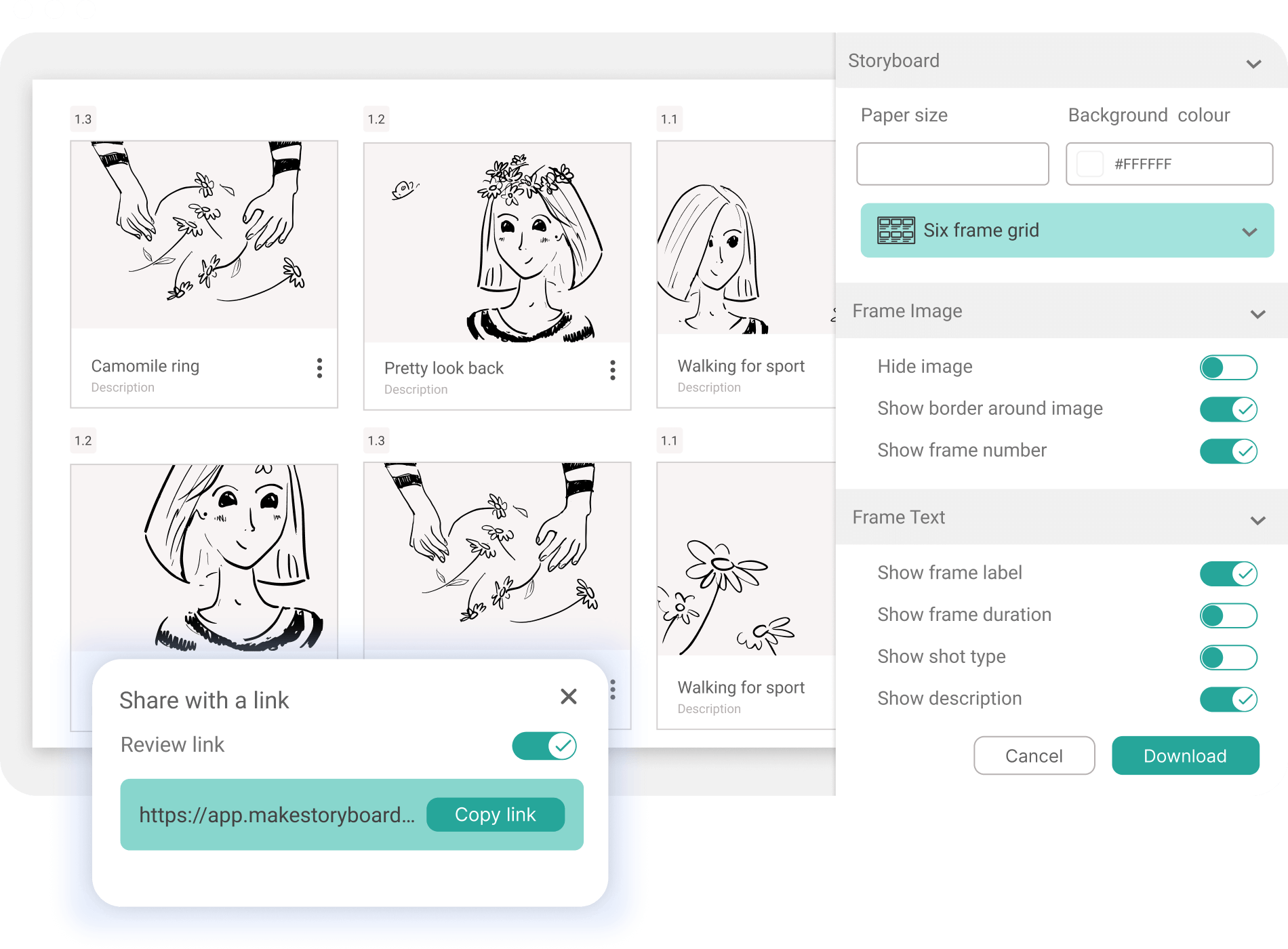
Want to see MakeStoryboard with your team? Get in touch.
Share the project at any stage, with colleagues, co-creators and customers.

Invite the people you want and share your thoughts in comments for the team only.

Compare our pricing with the alternatives and see that we take “optimal solution” to heart.

Why wait for an official presentation? Share the storyboard via a link, or download it and send it as a PDF.

For official presentations we have a Presentation Tool, ready for your client or team meetings.

If you need storyboards for business, add a logo and customise the PDF to stand out from the crowd.
Choose your plan
$12/month
Yearly plan
$48/month
Yearly plan
$48/month
Yearly plan
$12/month
Yearly plan
We take customer feedback seriously and use it to keep improving MakeStoryboard.
Read all reviews on CapterraMakeStoryBoard is what I have been looking for.
This storyboard app has all the features that I need while being FAR more affordable than competing storyboard apps.
Intuitive way to build and edit storyboards quickly.
It has the core features that you need, it responds well to rearranging scenes and images, and you can choose your export format and layout.
It's exactly what I was looking for and has already saved HOURS of work.
I've had a few upgrade requests that they implemented almost immediately.
Your Go-to Storyboard Software
You can never loose track of your progress! MakeStoryboard keeps your data updated and you can retrieve everything.
MakeStoryBoard made my day!
An affordable and competent storyboard app that lets freelancers breathe a sigh of relief. All the features you need without the monetary hassle. Easy to use, easy to implement, and without a doubt less expensive than the competing storyboard apps.
This product checks all the necessary boxes.
Move from the first frame to team feedback without breaking your flow.